
AI product scenes: table, room, street, heritage and festival
Scene places your product in a setting that sells it: a wooden kitchen table, a bright living room, a haveli courtyard, a Diwali table. You pick a look or tap an idea. The product stays exactly as photographed, and Groham redoes any picture that drifts for free.
Updated
₹2020 credits, about ₹20, per photo
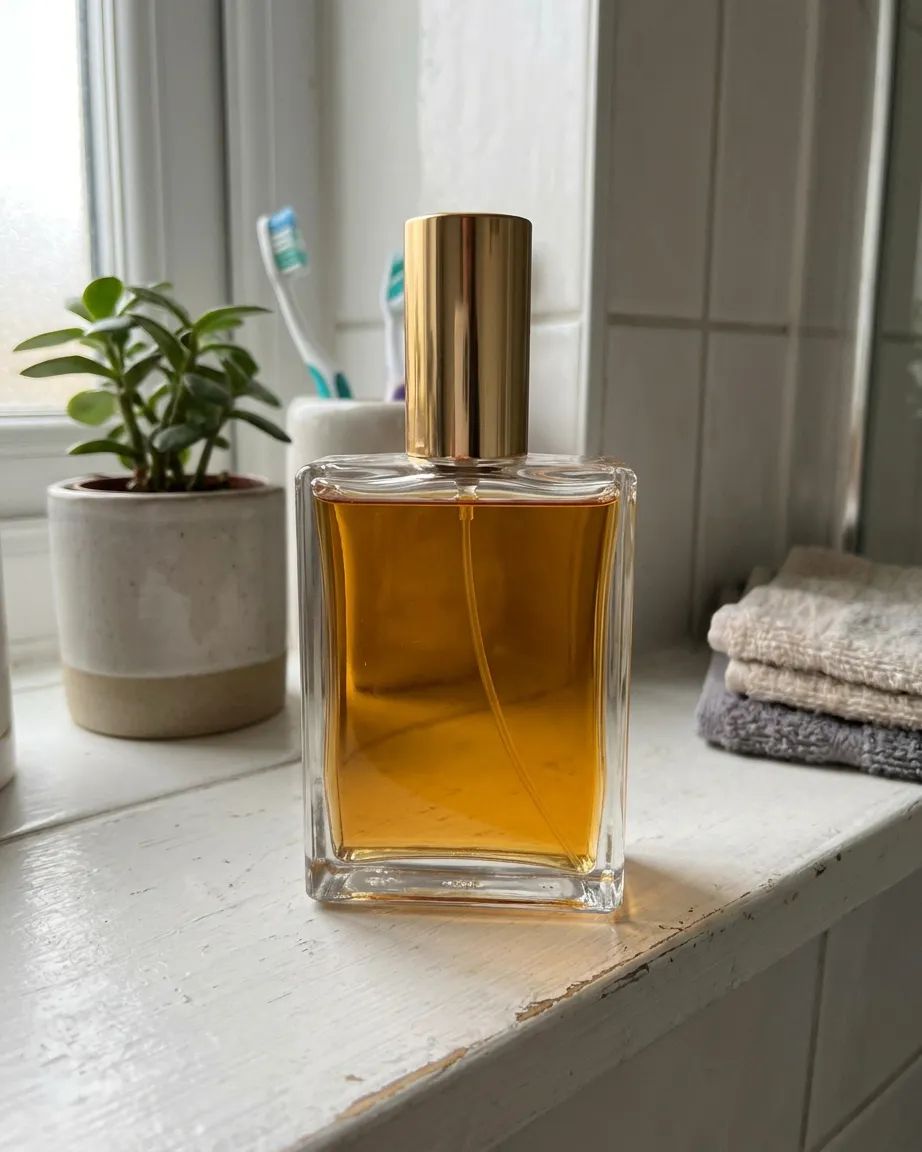
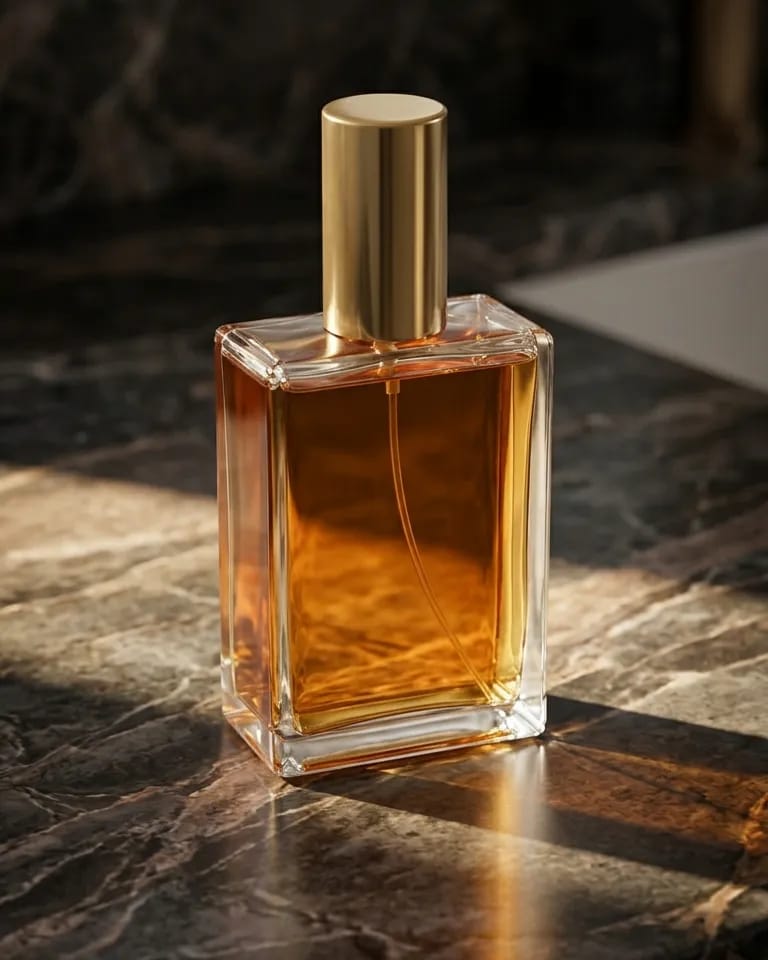
How it works
Add a photo of the product
On a counter, a floor or a bed is fine.
Pick a scene or tap an idea
Haveli courtyard, Marine Drive at sunset, a wedding mandap, Diwali lights, a rangoli floor.
Get the scene, checked
The product is compared with your photo, and a drifted picture is redone free.
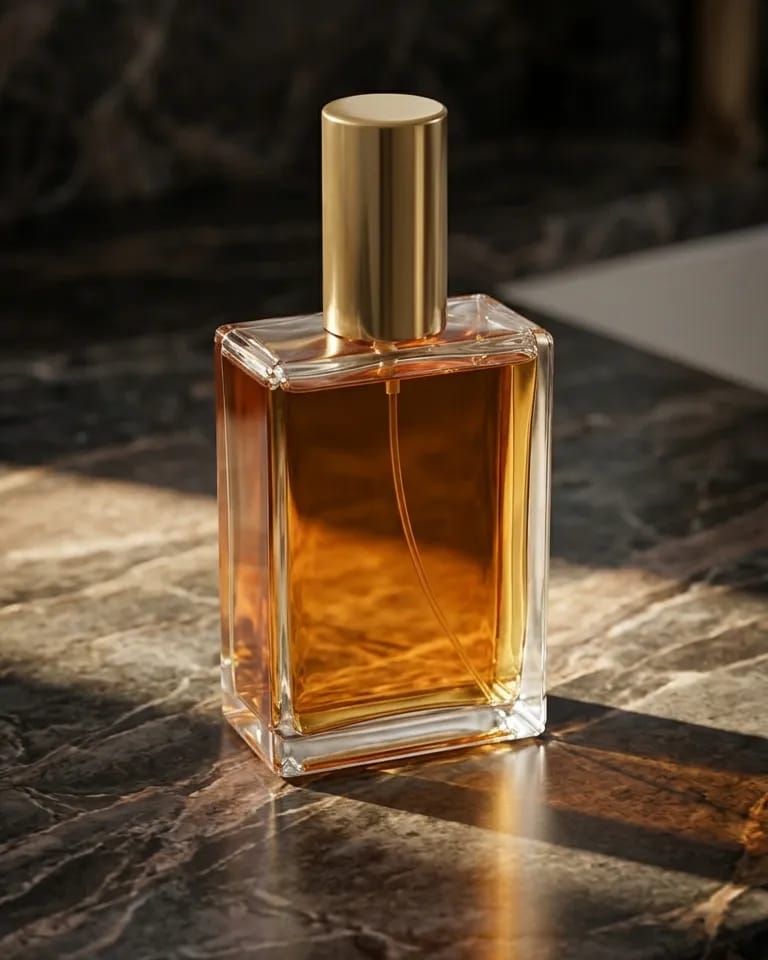
Examples by what you sell
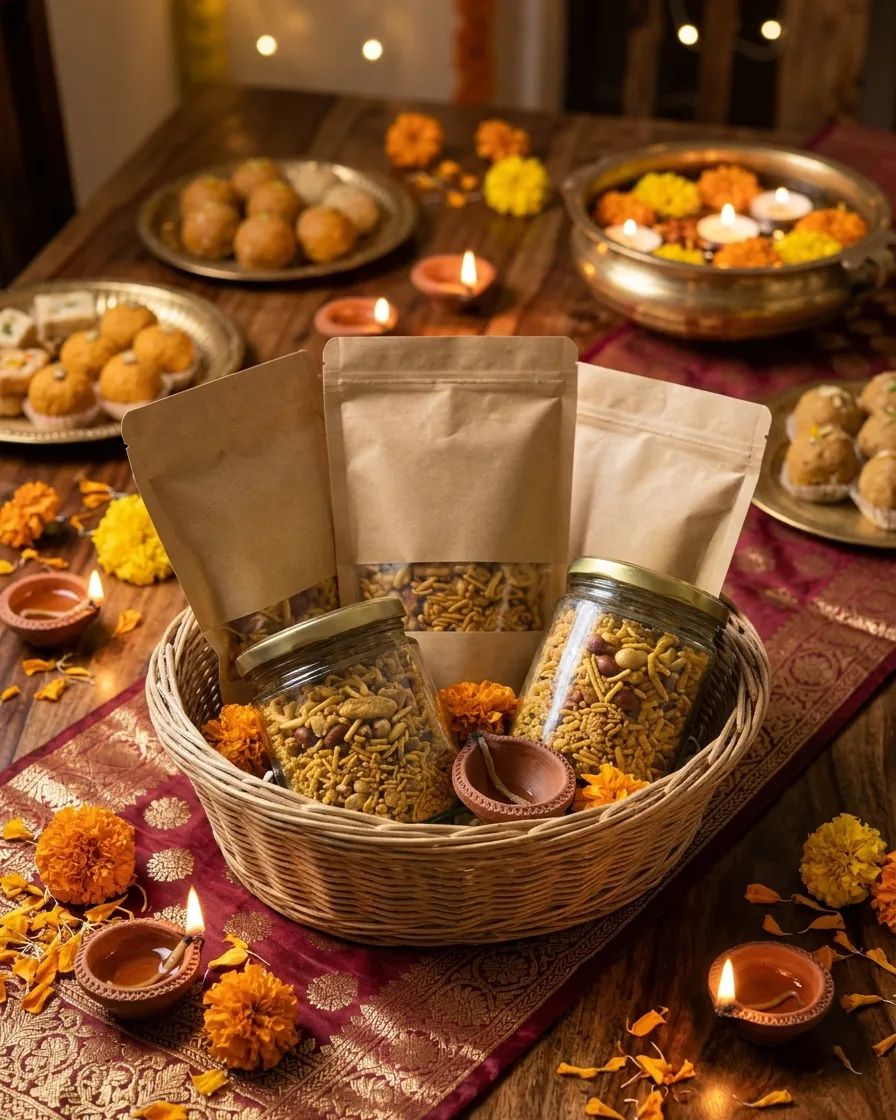
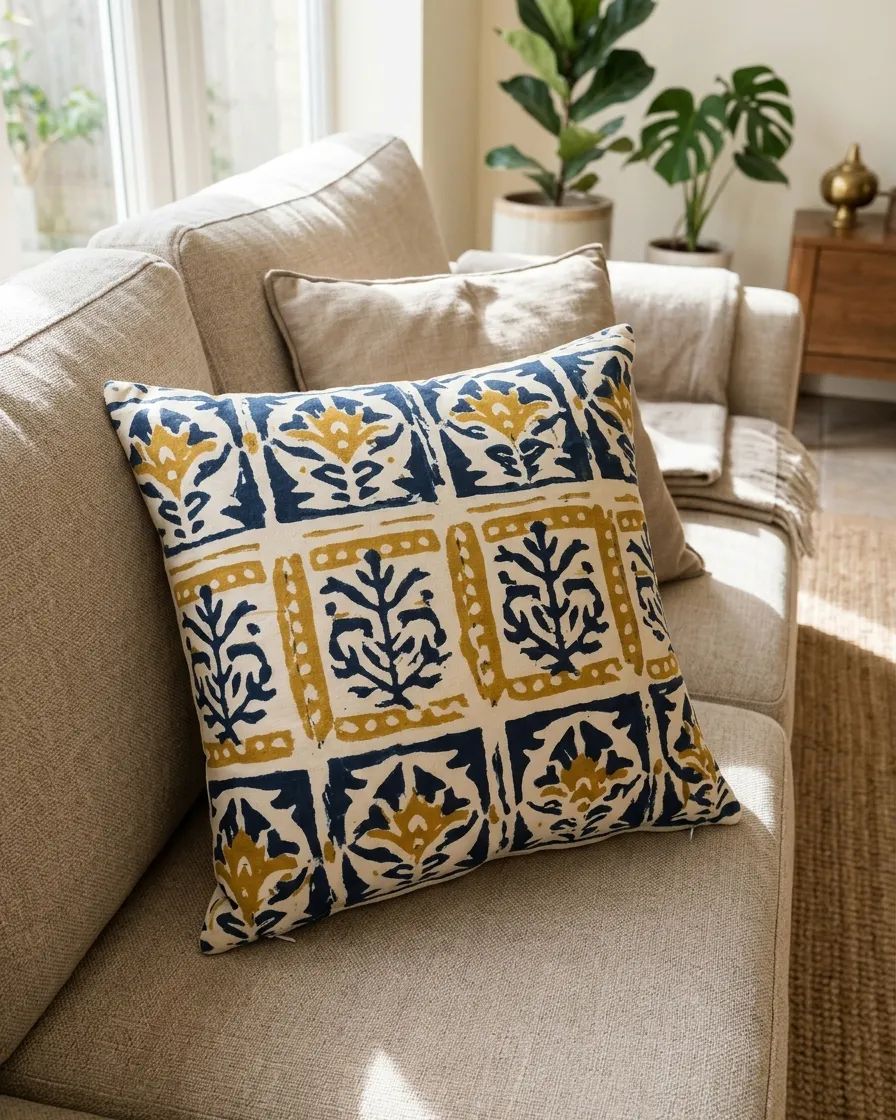
What stays exact
The product is read from your photo and compared with it after.
- The product itself: colour, shape and label
- True scale (a small thing stays small)
- Marks and printed details
What it costs
20 credits, about ₹20, per photo.
Used for
Questions about Scene
Can I choose where my product is shown?
Yes. Pick a scene in the Look picker, tap a ready idea, or say it to Groham Agent in English, Hindi or Hinglish.
Does the scene change my product?
Everything around the product is creative. The product itself is read from your photo and compared with it after, so colour, shape and label stay true.
Are there festival scenes?
Yes, such as Diwali lights and a rangoli floor. Each festival scene is a look you can pick.
Will my product look the right size?
Groham keeps the true scale of a product, so a small jar does not look like a large one.